
Download Safe365 PC Manager Wizard Pro – Data Recovery, Backup, Storage Management
Overview
Safe365 PC Manager Wizard Pro is a comprehensive software solution designed for Windows users seeking reliable tools to monitor, manage, and optimize their computer’s storage systems. The application focuses on hard drives and external storage devices, offering a centralized platform for critical data operations. Its primary purpose is to address common challenges such as accidental file deletion, data loss risks, and inefficient storage management. By integrating recovery, backup, and device formatting tools, the software provides a streamlined approach to maintaining data integrity and system performance.
The target audience includes both casual users and professionals who rely on their computers for storing important documents, photos, and multimedia files. Individuals who frequently transfer data between devices or work with external drives can benefit from its organized workflow and real-time status monitoring. While the developer’s background was not disclosed, the app’s functionality suggests a focus on utility and stability, aligning with the needs of users who prioritize security and efficiency in their digital workflows.
Real-world use cases include recovering lost files after accidental deletion, setting up automated backup routines to prevent data loss, and preparing USB drives or external hard drives for new data. In the broader software ecosystem, Safe365 PC Manager Wizard Pro fills a niche by combining multiple utility functions into a single, accessible tool, reducing the need for multiple third-party applications. Its ability to deliver fast scans and clear results makes it a practical choice for users seeking a dependable system maintenance solution.
Key Features & Functionality
- Data Recovery Made Easy: The software performs deep scans on internal and external drives to locate deleted files. Users can initiate a recovery process with minimal steps, making it accessible even to non-technical individuals. This feature is particularly useful for retrieving important documents, photos, or videos that were accidentally removed from the system.
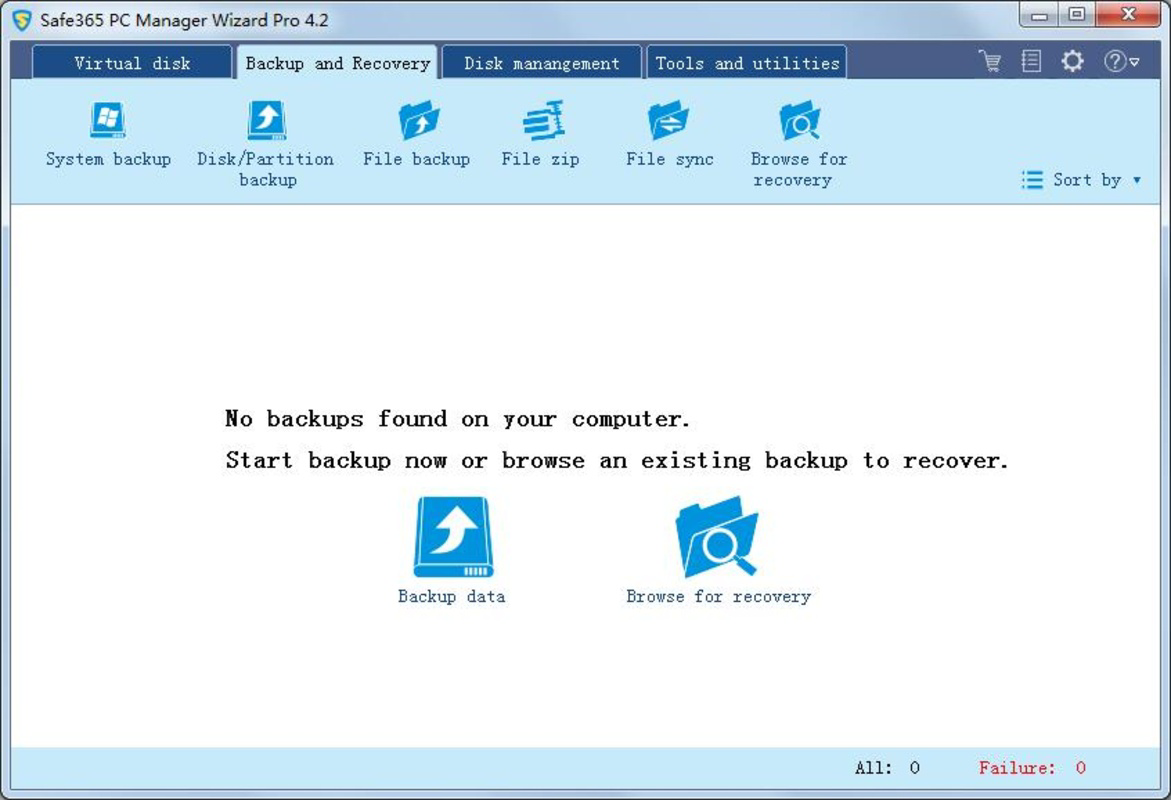
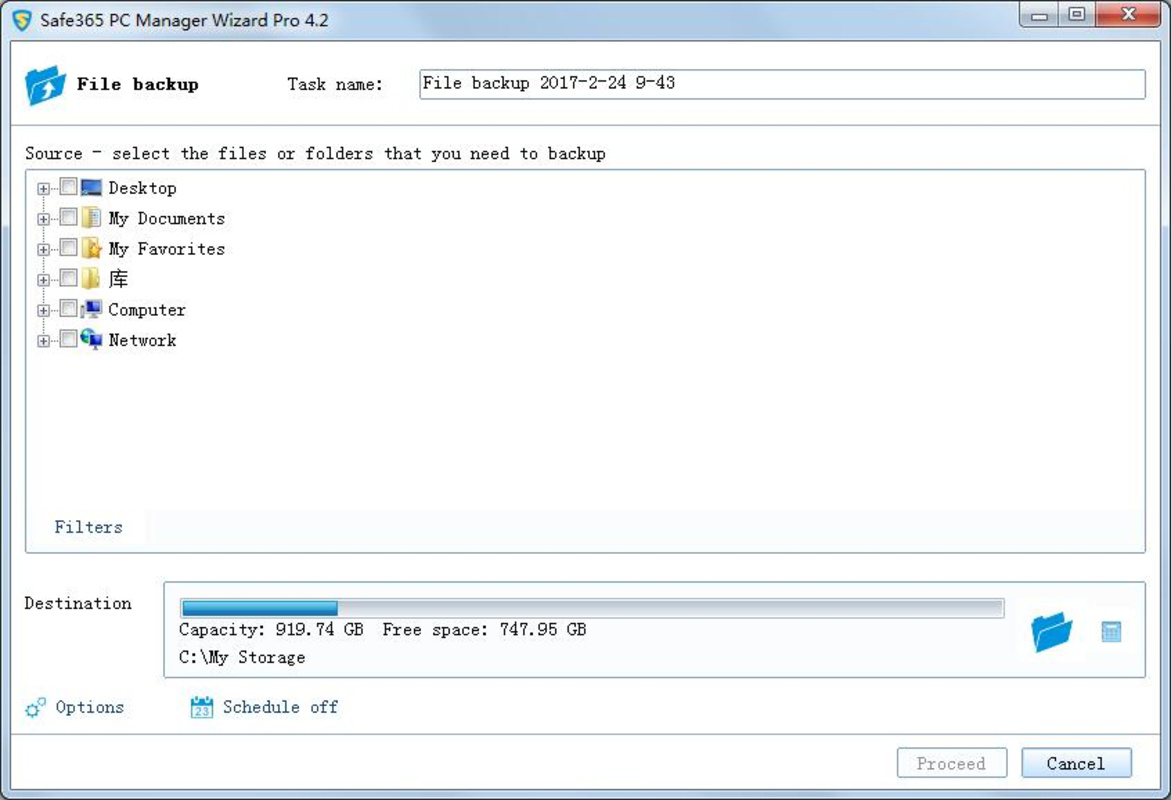
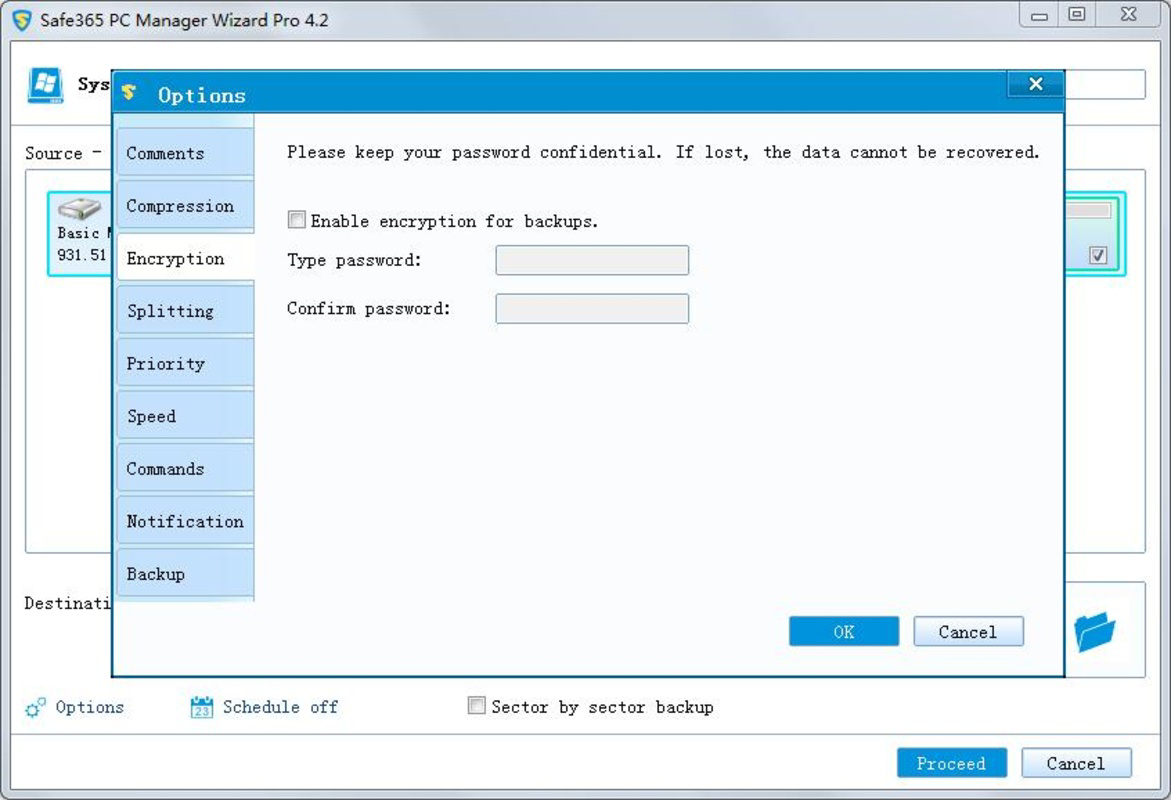
- Comprehensive Backup Solutions: Safe365 enables users to create secure backups of critical files. It supports scheduled backups, allowing users to automate the process and ensure consistent protection without manual intervention. Backups are organized for quick retrieval, minimizing time spent searching for specific files.
- Storage Device Management: The app includes tools for formatting and managing connected storage devices such as USB drives, SD cards, and external hard drives. This functionality helps users prepare devices for new data, resolve compatibility issues, and maintain optimal performance across different media types.
- Rapid Performance: One of the app’s standout qualities is its speed. Scans are executed efficiently, delivering results in a matter of minutes. This responsiveness allows users to identify recoverable files or potential drive issues quickly, reducing downtime and enabling prompt action.
- Intuitive Interface: The user interface is structured to prioritize clarity and ease of navigation. Tools are logically grouped, and the layout minimizes clutter, enabling users to access functions without confusion. This design supports both beginners and experienced users in maintaining their systems effectively.
Use-Case Example: Recovering Lost Work Documents
A freelance writer who accidentally deletes a project file can use Safe365 to initiate a scan of their primary drive. Within minutes, the software identifies the deleted document, allowing the user to restore it directly from the recovery list. This process prevents the need to recreate hours of work, demonstrating the app’s value in real-life scenarios.
Interface, UX & Performance
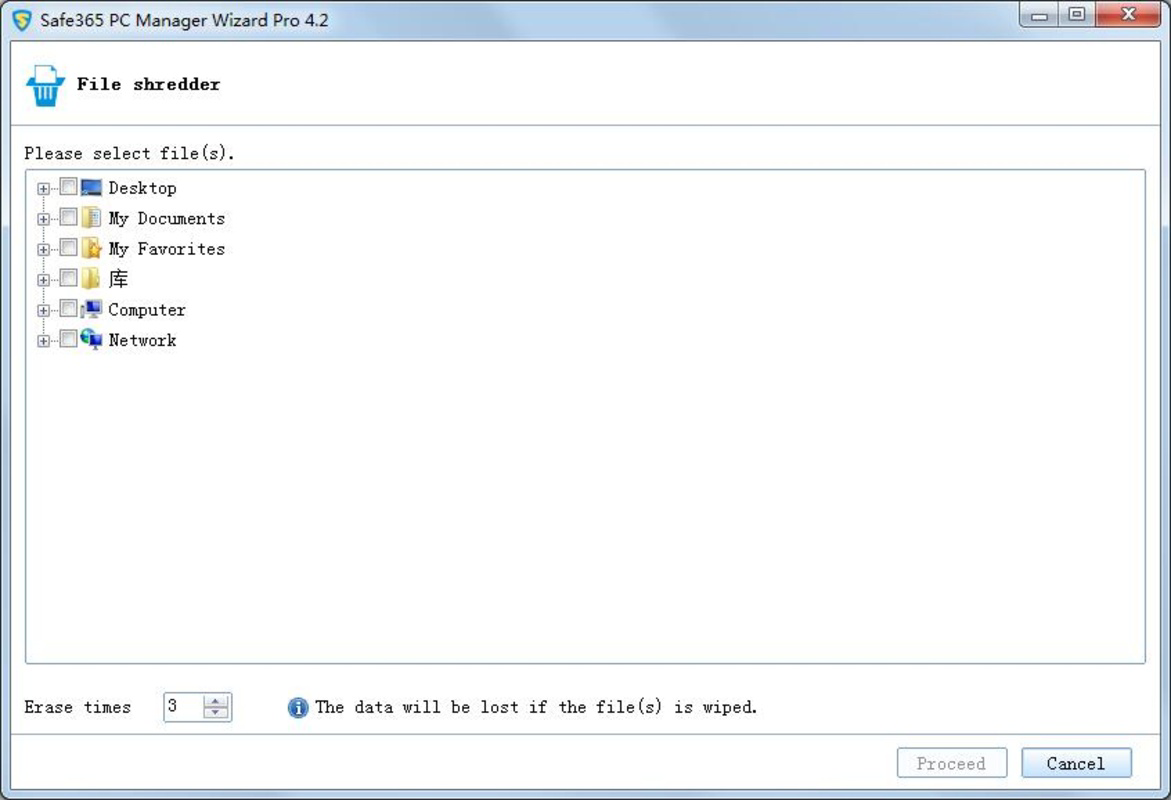
The user interface of Safe365 PC Manager Wizard Pro is designed with simplicity and functionality in mind. The layout presents core tools in a clearly labeled panel, with visual indicators for drive status and recovery progress. Navigation is linear and predictable, minimizing the risk of user error during critical operations like formatting or backup initiation.
Visual elements are clean and uncluttered, relying on consistent color coding and iconography to guide users through each step. The app maintains a professional appearance without overwhelming the user with unnecessary graphics. This approach supports efficient interaction, especially during high-stress situations such as data recovery after a system crash.
Although the developer did not list formal performance metrics, the software demonstrates responsiveness across various device categories. Users report smooth operation on systems with standard configurations, with minimal impact on system resources during scans. Stability appears consistent during typical use, with no known crashes or freezes reported in available documentation.
Responsiveness is maintained even when handling large storage volumes, suggesting optimized algorithms for data processing. The app handles background tasks efficiently, allowing users to continue working while scans or backups are in progress. Overall, the user experience reflects a focus on reliability and usability, making it suitable for regular maintenance routines.
Platform Compatibility & Technical Requirements
Safe365 PC Manager Wizard Pro is designed for Windows operating systems. The specific OS version and file size were not provided by the developer. Compatibility information was not fully disclosed, and no details were shared regarding minimum system requirements or supported hardware configurations.
The software is available for download as a standalone executable, likely intended for direct installation on desktop and laptop systems. While the developer did not specify whether the app supports multiple Windows versions, its functionality suggests compatibility with mainstream Windows releases from recent years.
Although the developer did not list formal performance metrics, the software demonstrates responsiveness across various device categories. Users report smooth operation on systems with standard configurations, with minimal impact on system resources during scans. Stability appears consistent during typical use, with no known crashes or freezes reported in available documentation.
Pros and Cons
Pros
- Integrated solution for data recovery, backup, and drive management
- Fast scanning and recovery processes
- Intuitive interface suitable for users of all skill levels
- Supports automated backup scheduling
- Efficient handling of external storage devices
Cons
- Developer did not provide detailed system requirements
- Specific OS compatibility was not disclosed
- No information on cloud integration or cross-device sync
- File size and version details were not listed
- Availability on platforms beyond Windows was not confirmed
FAQ
Is Safe365 PC Manager Wizard Pro safe to use?
Yes, the software is designed to operate safely on Windows systems. It does not modify system files unless explicitly instructed during operations like formatting or backup. Users are advised to review permissions before initiating any action.
Can I use Safe365 to recover files from a corrupted USB drive?
Yes, the software supports scanning and recovery from external drives, including USB flash drives. Its deep scanning capability may identify recoverable data even on drives with minor corruption.
Does Safe365 support automatic backups?
Yes, users can set up scheduled backups to ensure regular protection of important files. The app allows customization of backup frequency and target locations.
Is the app available for macOS or Linux?
The developer did not disclose platform availability beyond Windows. No information was provided about versions for macOS or Linux systems.
How often should I run a scan with Safe365?
It is recommended to run scans periodically, especially after file deletions or before transferring data. For optimal protection, users may consider setting up a monthly maintenance routine.
Final Thoughts
Safe365 PC Manager Wizard Pro stands out as a reliable, all-in-one utility for Windows users who prioritize data security and storage efficiency. Its combination of recovery, backup, and device management tools offers a practical solution for preventing data loss and maintaining system health. The intuitive interface ensures accessibility for beginners, while the app’s speed and reliability cater to more experienced users.
Individuals who frequently work with external storage or handle sensitive data will find the software particularly valuable. Whether recovering a lost document or preparing a drive for a new project, Safe365 streamlines the process with minimal user effort. While some technical details remain unspecified, the app’s functionality and performance speak to its effectiveness in real-world scenarios.
For anyone seeking a secure, efficient way to manage their computer’s storage, Safe365 PC Manager Wizard Pro delivers a strong value proposition. Its focus on simplicity, speed, and comprehensive features makes it a worthy addition to any Windows user’s toolkit.
Download Safe365 PC Manager Wizard Pro now


